To set the chat bot on:
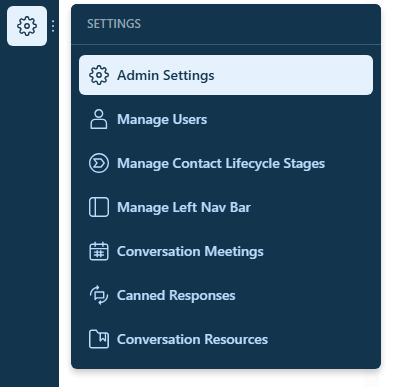
Click the Settings wheel towards the bottom of the chat menu
Go to Admin settings
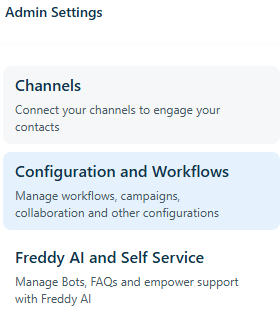
Then Configuration and Workflows
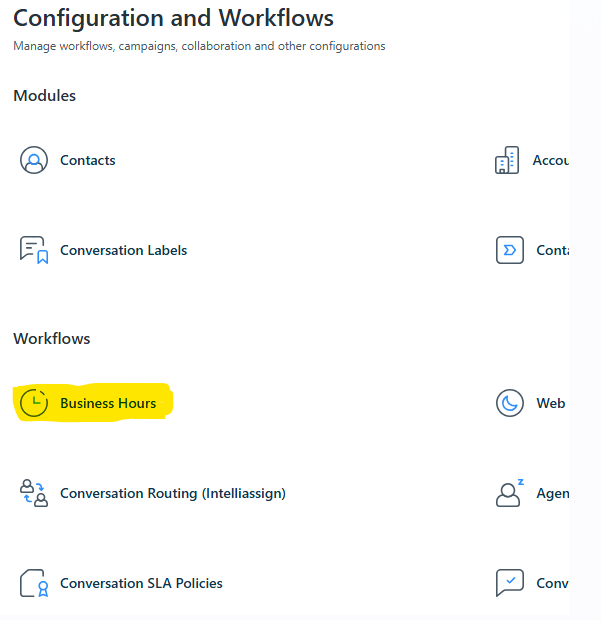
Then select business hours under Configuration and workflows
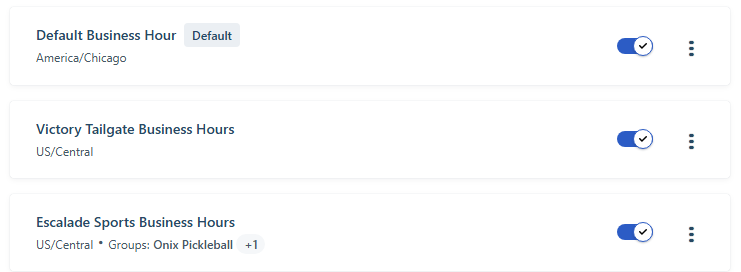
Click the 3 dots on the right (You will need to repeat the steps below for each group)
Click edit

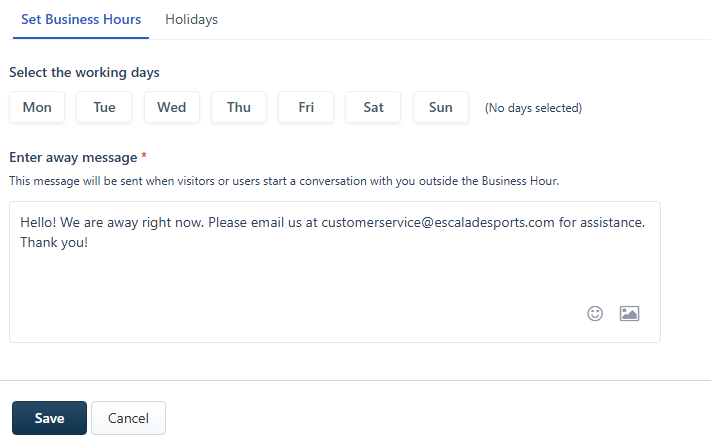
The chat bot is set to operate while the day button is white. To turn the bot off so you can begin to answer chats, click the day of the week (button will turn blue) and click save.
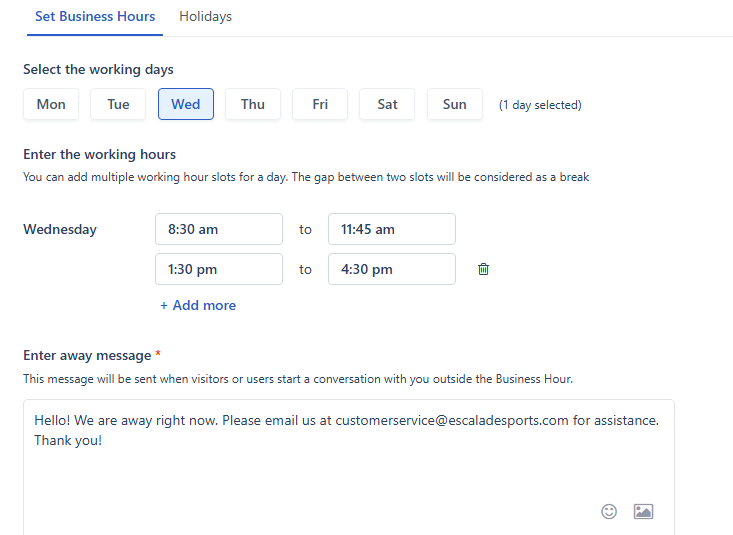
To turn the bot on while you go on break, click the button so that it turns back to white and click save.
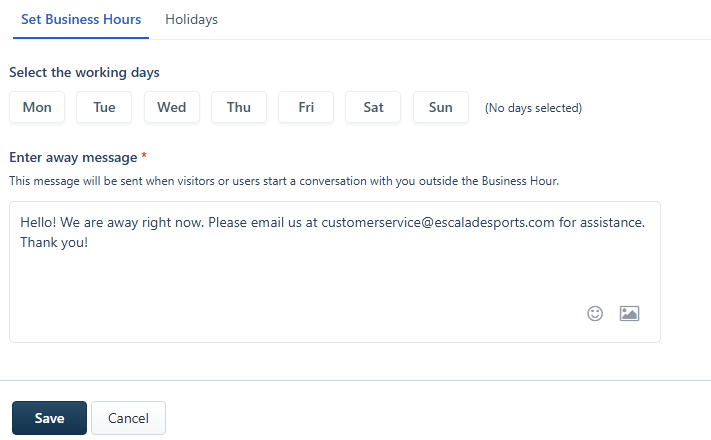
When you return from your break, select the current day. It should turn back to blue. Click Save. This turns the bot back off so you can start taking chats again.
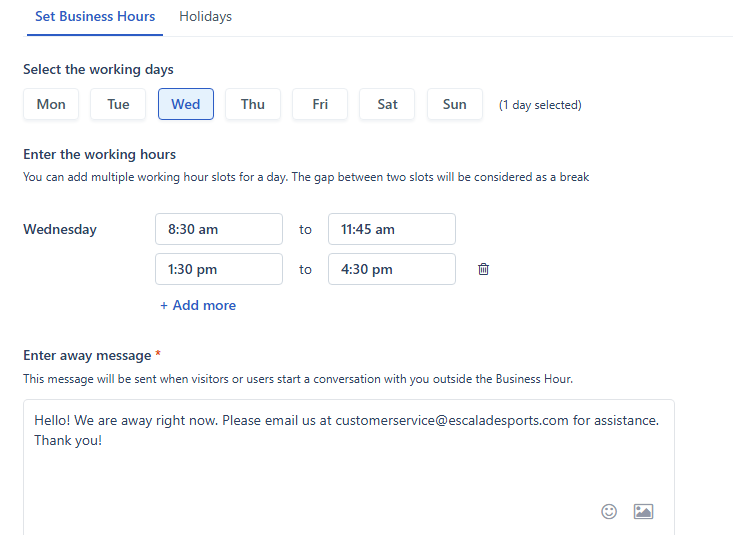
To turn the bot on at the end of the day, select the current day. It should turn back to white. Click Save. The bot will now collect emails and create tickets overnight.
Was this article helpful?
That’s Great!
Thank you for your feedback
Sorry! We couldn't be helpful
Thank you for your feedback
Feedback sent
We appreciate your effort and will try to fix the article